Did you know that a single speck of dust on a fiber optic connector can cause up to 80% signal loss, turning your blazing-fast network into a frustrating crawl? If you’re dealing with unreliable fiber connections at home or in your business, you’re not alone—issues like this plague even the best setups. In this post, we’ll dive into the most common fiber optic network problems and share practical ways to sidestep them, so you can keep your data flowing smoothly.
Dirty or Damaged Connectors
Connectors are the unsung heroes (or villains) of fiber optic networks, and they’re often the first to fail. Dust, oils from fingerprints, or tiny scratches block light signals, leading to attenuation that slows speeds or drops connections entirely. I’ve seen IT pros spend hours chasing “ghost” issues, only to find a grimy connector was the culprit—it’s like trying to see through a foggy windshield.
To avoid this:
- Clean connectors religiously with lint-free wipes and isopropyl alcohol before every connection.
- Use inspection scopes to check end-faces; anything dirtier than a clean “pass” rating means rework.
- Invest in protective caps and automated cleaning tools for high-traffic setups.
Pro tip: Schedule monthly cleanings. One client I worked with cut downtime by 50% just by making this routine. For reliable performance, check out our fiber optic patch cords at Baymro Tech—they’re built tough with low-loss ferrules.
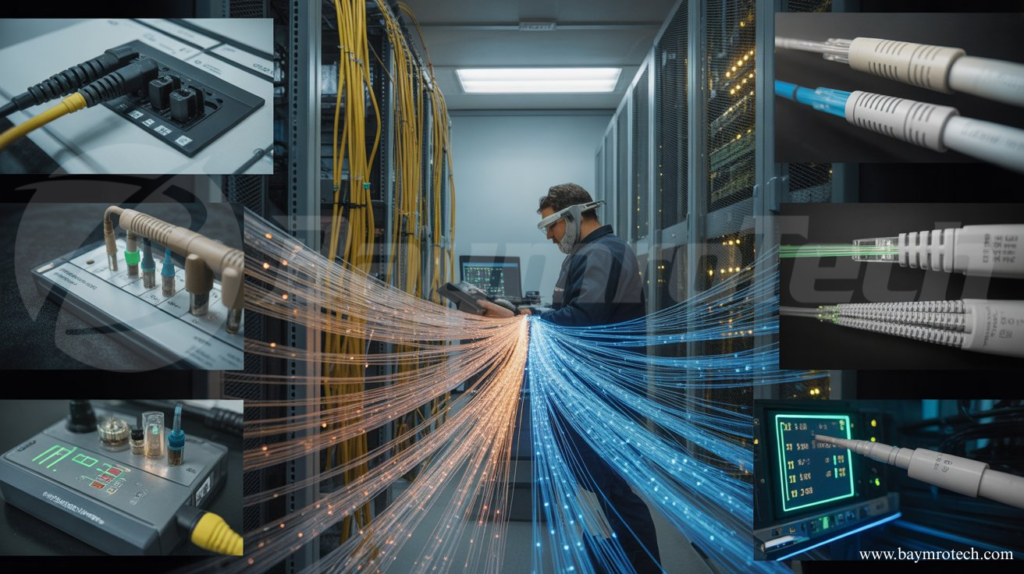
This close-up shows a pristine fiber connector end-face, free of contaminants that could wreck your signal.
Signal Attenuation and Loss
Ever wonder why your gigabit fiber feels like dial-up? Attenuation happens when light signals weaken over distance due to bends, poor splices, or low-quality cables. Sharp bends (below the minimum radius, often 10-15x cable diameter) create “macrobends,” leaking light and hiking loss by 0.5 dB or more per incident.
Avoid it like this:
- Follow bend radius rules religiously—use trays and conduits for routing.
- Test with an OTDR (Optical Time-Domain Reflectometer) during install; aim for under 0.3 dB/km loss in single-mode fiber.
- Choose high-grade cables rated for your run length.
A funny story: A buddy once routed fiber around a corner too tightly in a server room, blaming the ISP for weeks. One OTDR trace later, problem solved. Learn more from Fluke Networks’ fiber troubleshooting guide.
Physical Damage and Rodent Chews
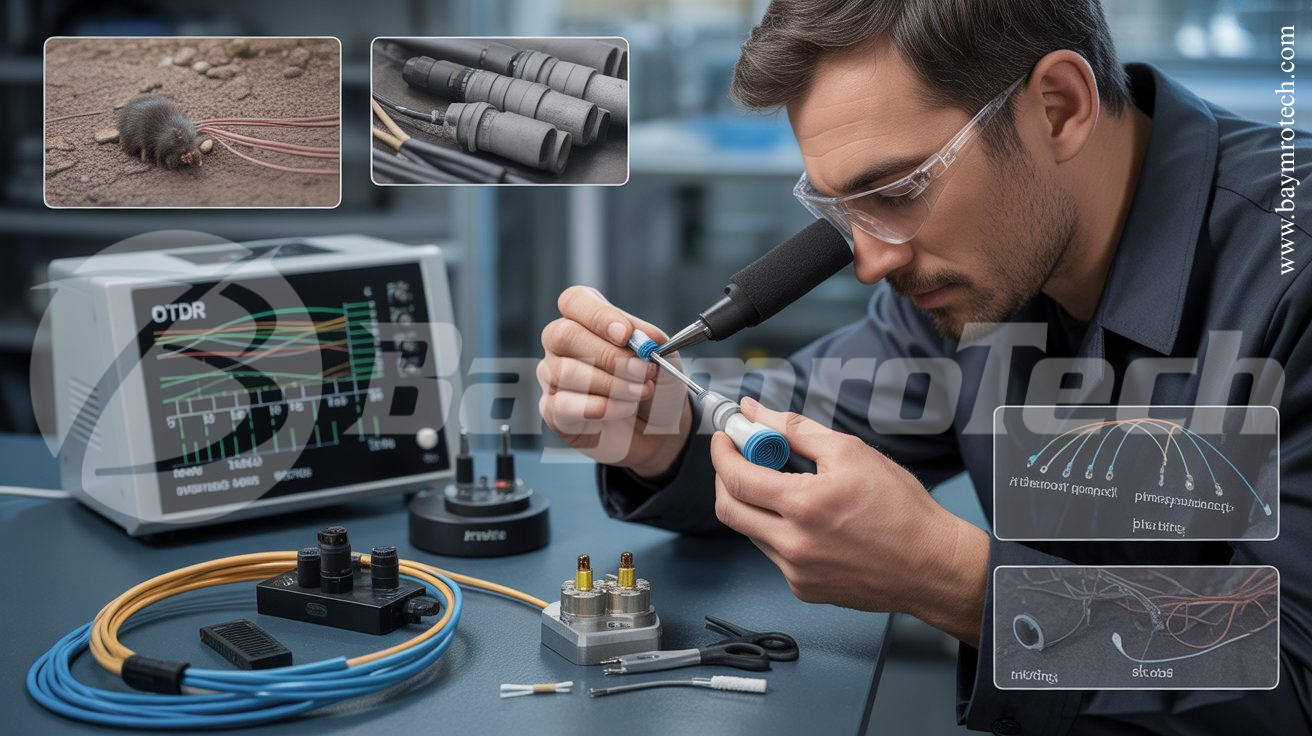
Fiber cables aren’t invincible—construction digs, rodents, or even clumsy footsteps can snap them. In North America alone, rodent damage costs millions yearly in repairs. Water infiltration worsens it, causing hydrogen-induced attenuation that creeps up over time.
Prevention steps:
- Deploy armored cables with steel or aramid yarn in vulnerable spots like underground runs.
- Use HDPE/PVC conduits and IP68-rated splice enclosures to block moisture and critters.
- Mark cables clearly and train teams on gentle handling—no stepping or twisting.
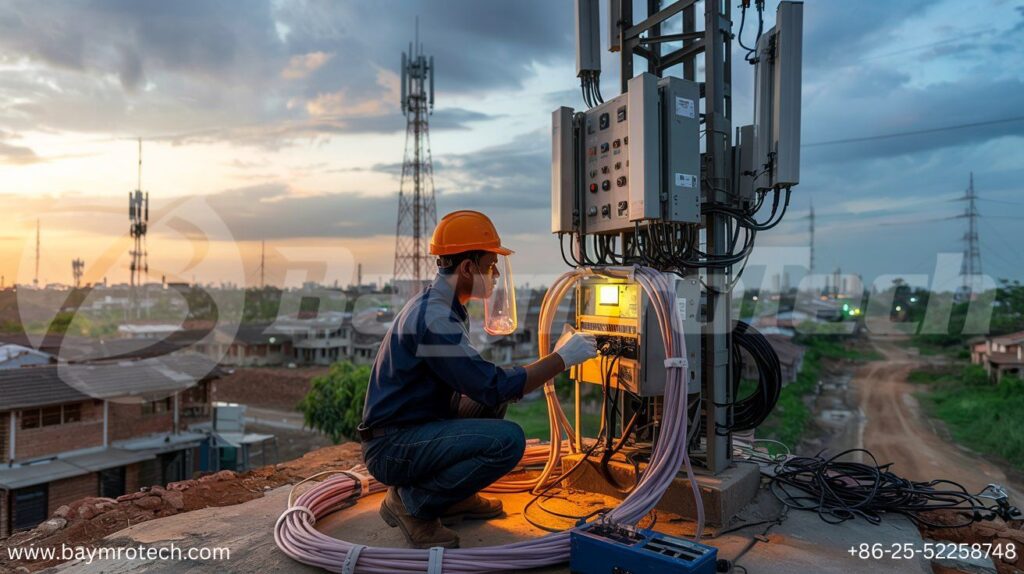
For exposed installs, our network cabling services include armored options tailored for Kolkata’s humid climate.
Splicing and Installation Goofs
Bad splices reflect light back, spiking loss by 0.3-1 dB per joint. Poor fusion (misaligned cores) or mechanical gaps are common in rushed jobs. Overloaded links or wavelength mismatches in WDM systems add latency too.
Dodge these pitfalls:
- Hire certified techs using fusion splicers with <0.02 dB loss.
- Document every splice with OTDR traces for baselines.
- Test end-to-end with an OLTS (Optical Loss Test Set) post-install.
The Fiber Optic Association’s best practices emphasize one-jumper reference testing—game-changer for channel validation.
Environmental and Weather Woes
Extreme weather hits hard: Heat expands cables, cold makes them brittle, and monsoons flood enclosures. In India, we’ve seen humidity spike attenuation in poorly sealed setups.
Stay ahead:
- Assess risks and bury cables deep (1-1.5m) with rodent-proofing.
- Monitor remotely with power meters alerting to >0.5 dB drifts.
- Use temperature-rated gear (-40°C to 85°C).
LinkedIn experts note proactive inspections during storms prevent 70% of outages.
Testing and Maintenance Musts
Skipping tests is like driving without checking tires—disaster waiting. Dirty connectors cause 40% of failures, per industry stats.
Your routine:
- Weekly visual checks, monthly OTDR/OLTS runs.
- Clean with one-click cleaners; inspect 100% of connections.
- Log everything in tools like AccuTest software.
Here’s a quick comparison of common tools:
| Tool | Use Case | Loss Detection | Cost Range |
|---|---|---|---|
| OTDR | Fault location (breaks, bends) | High (0.01 dB resolution) | $5K-$20K |
| OLTS | End-to-end loss | Medium | $2K-$10K |
| Scope | Connector cleanliness | Visual only | $1K-$5K |
Why Fiber Optic Patch Cords Matter
Don’t overlook patch cords—they bridge equipment and carry the signal last-mile. A subpar fiber optic patch cord with high insertion loss (>0.3 dB) amplifies every upstream issue. Opt for APC/ UPC polished, low-insertion models tested to IEC standards.
Baymro Tech’s cords shine in dirty data centers, with furcation tubing for easy handling.
Real-World Fixes in Action
Picture this: A Kolkata factory’s network tanked during monsoon—turns out, water in splices jacked loss to 2 dB/km. We sealed enclosures, cleaned cords, and OTDR-verified. Speeds doubled overnight. Empathy check: These headaches steal your time; proactive fixes reclaim it.
For deeper dives, see Weunion Fiber’s troubleshooting tips.
To wrap up, dodge fiber woes by prioritizing clean connectors, smart routing, armored protection, rigorous testing, and quality components like fiber optic patch cords. You’ll slash downtime and boost reliability.
Ready to fortify your setup? Contact our electric team for a free audit, or drop your biggest fiber headache in the comments—we’re here to help!