

Ever walked into a server room that looks like a fiber optic spaghetti explosion? You’re not alone—poor ODF choices leave network managers scratching their heads, wasting hours on maintenance, and risking downtime that costs thousands. The good news? Picking the right Optical Distribution Frame (ODF)—rack-mount or wall-mount—can streamline your setup, cut clutter, and future-proof your network. In this post, we’ll break it down so you choose confidently, whether you’re running a small office or a sprawling data center.
What Exactly is an ODF?
Think of an ODF as the organized heart of your fiber optic network. It terminates, splices, and cross-connects fiber cables, housing adapters, splice trays, and patch cords in a neat enclosure. Available in rack-mount (for standard 19-inch cabinets) or wall-mount (compact boxes), ODFs manage high-density connections while protecting delicate fibers from bends or damage.
Without a solid ODF, you’re inviting signal loss, slow speeds, and endless troubleshooting. I’ve seen teams lose a full day untangling cables because their ODF couldn’t scale—don’t let that be you. Modern ODFs, like those from Baymro Technology, support up to 144 cores with modular designs for easy upgrades.
Rack-Mount ODF: Power for Scaling Networks
Rack-mount ODFs slide into standard server racks, perfect for data centers or enterprise setups craving growth. They shine in space optimization, packing vertical and horizontal efficiency into cabinets—ideal when your fiber count climbs past 48 cores.
Here’s why pros love them:
- Scalability superstar: Add modules without ripping out your setup; the market for these hit $273 million in 2023 and grows at 1.6% CAGR through 2030.
- Cable management magic: Dedicated routing paths slash clutter, easing maintenance—quick port labeling means fixes in minutes, not hours.
- Reliability boost: Protects connections from stress, minimizing downtime in high-stakes environments.
Picture this: A client of ours expanded from 96 to 288 fibers seamlessly in their rack. No drama, just plug-and-play. Check out Baymro’s fiber optic cable assemblies for rack-compatible solutions that pair perfectly. Rack-mounts demand rack space, though—skip if you’re rack-less.
For deeper insights, CommScope’s ODF solutions highlight ultra-high density features that rack-mounts excel at.
Wall-Mount ODF: Compact Champs for Tight Spots
Got a small office, remote site, or hallway with zero rack room? Wall-mount ODFs mount flush, handling 12-48 fibers without eating floor space. They’re the low-cost, quick-install hero for FTTH drops or branch offices.
Key wins include:
- Space saver supreme: Hangs anywhere, no cabinet needed—perfect for limited real estate.
- Easy access: Front-facing design simplifies patching; install in under an hour with basic tools.
- Budget-friendly: Lower upfront costs for basic needs, with solid dust protection via doors.
I remember helping a retail chain mount these in backrooms—connected multiple outlets without a hitch, keeping networks tidy. They’re not for explosive growth, though; max capacity limits big expansions. Pair with Baymro’s premium fiber optic cables for outdoor-to-indoor runs.
Industry guides like FiberMania’s ODF overview praise wall-mounts for retail efficiency.
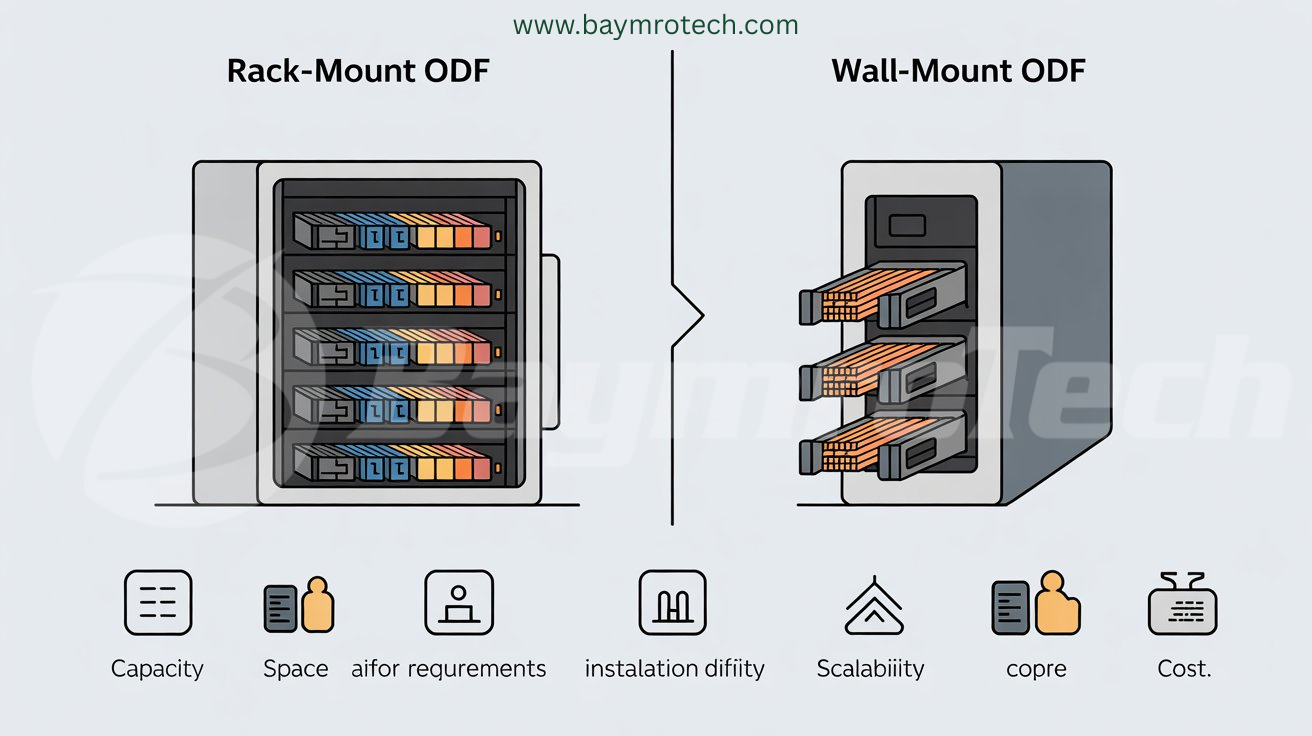
Head-to-Head: Rack-Mount vs. Wall-Mount Showdown
Choose rack if growth looms; wall if simplicity rules. Both handle Copper/Fiber Composite Cable, blending power and data in one sheath for PoE cameras or Wi-Fi—reducing runs by up to 50% in hybrid setups. This cable’s tensile strength suits harsh installs, per tactical specs.
Real-World Scenarios: Match ODF to Your Setup
Small business? Wall-mount for your FTTH hub—quick, cheap, done. Data center? Rack-mount for density; one firm cut downtime 30% post-switch.
Hybrid networks thrive here: Route Copper/Fiber Composite Cable to ODFs for single-cable data/power magic, powering remote devices up to 3km. Humor alert: Skip wall-mount in a booming startup unless you enjoy “fiber fireworks” later!
External cred: Fluke Networks’ hybrid cable tips stress media converters for seamless integration.
Pro Tips for ODF Success
- Secure racks top-to-wall for stability.
- Label everything—saves sanity.
- Test post-install with OTDR for zero-loss bliss.
- Future-proof: Modular trays for swaps.
Empathy check: We’ve all faced cable chaos; start small, scale smart.
Wrapping It Up: Your Network’s Perfect Fit
Rack-mount ODFs dominate scalability for big leagues; wall-mounts nail compactness for starters. Factor space, growth, and budget—then integrate Copper/Fiber Composite Cable for hybrid efficiency.
Ready to upgrade? Explore Baymro Tech’s ODF-ready gear at baymrotech.com/electric or contact our team for custom advice. What’s your setup challenge? Drop a comment—we’re here to help!