
You can have the most advanced cables, the sharpest skills, and the best installation plan—but without the right testing tools, your fiber network is a guessing game. Ever turned on your OTDR only to realize you’ve got signal loss somewhere between “uh-oh” and “oh no”? You’re not alone. Every fiber optic installer has faced that moment of doubt when the light doesn’t make it through cleanly. That’s why understanding your testing tools isn’t just helpful—it’s essential.
This guide breaks down the must-have fiber optic testing tools, what each one does, and how they help you deliver installations that perform flawlessly (and keep your clients smiling).
Why Fiber Optic Testing Matters
Let’s get real—testing isn’t the most glamorous part of the job. But it’s what separates a confident, performance-driven install from a future troubleshooting nightmare.
A proper test ensures that:
- Your connections are clean and aligned.
- Signal loss meets industry standards.
- The network can perform at the rated bandwidth.
According to the Fiber Optic Association (FOA), improper testing or no testing at all is among the top reasons for premature network failures. Even a tiny speck of dust or a poorly cleaved endface can ruin a perfect cable run.
The Essential Fiber Optic Testing Tools
Let’s dive into the toolkit that keeps your network running crystal clear.
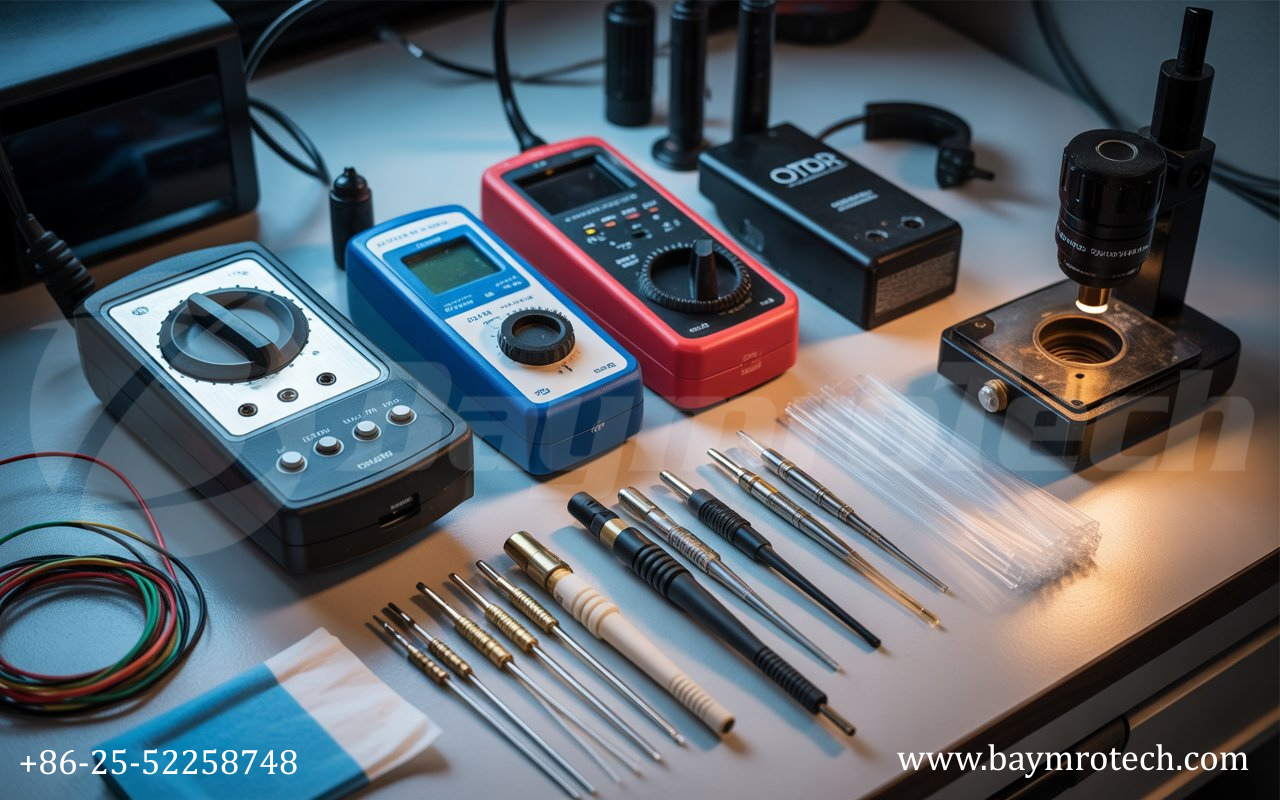
1. Optical Power Meter (OPM)
Think of this as your fiber’s “speedometer.” An OPM measures how much optical power is being received through the fiber. If you’re not seeing the expected signal strength, you’ve instantly narrowed down your troubleshooting path.
Pro tip: Pair your OPM with a stable light source to check insertion losses at specific wavelengths (like 850 nm and 1300 nm for multimode, or 1310 nm and 1550 nm for single-mode).
2. Visual Fault Locator (VFL)
Meet your network’s flashlight. A VFL injects visible red light into the fiber, letting you see cracks, breaks, and bad splices—literally lighting up the problem area.
They’re especially handy for short-distance checks or quick identifications in patch panels. Just remember: never look directly into a fiber end when power is active.
3. Optical Time Domain Reflectometer (OTDR)
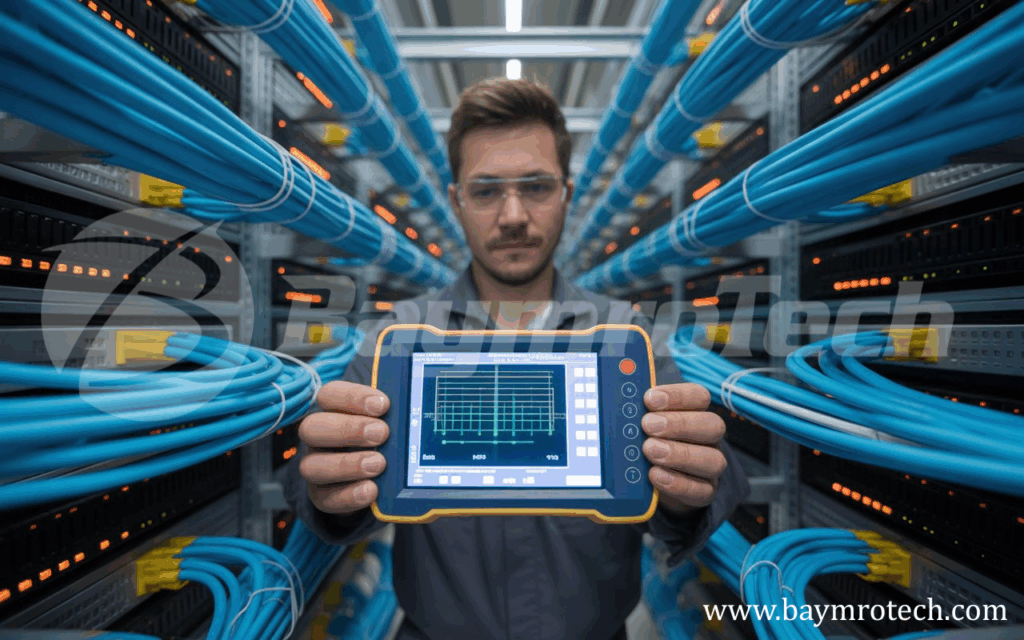
This is the alpha and omega of fiber testing. The OTDR sends pulses of light down the cable and analyzes the reflections to map out the entire link. It identifies places where the signal is weakened or reflected—like splices, connectors, or fiber breaks.
Modern OTDRs are portable, intuitive, and even feature graphical displays that pinpoint loss events in real time. They can help you verify long-distance runs and generate professional test reports for clients (and your own peace of mind).
Supporting Tools That Make All the Difference
Beyond the big three, every installer should keep a few compact tools handy that make testing faster, cleaner, and more accurate.
Fiber Optic Inspection Microscope
This lets you see exactly what’s on an endface. Remember, one speck of dust can cause reflection loss or even permanent damage when fusion splicing.
Fiber Cleaning Kits
Lint-free wipes, precision swabs, and cleaning solutions are your best friends here. Always clean both ends of a connector—even new ones right out of the bag.
Launch and Receive Cables
Critical when using an OTDR, these special lengths of fiber allow accurate testing of the first and last connectors in your link. They act as a “buffer zone” for measurements.
Fiber Optic Pigtail
These short fiber cables with a pre-terminated connector on one end are invaluable for splicing and testing permanent installations. The Fiber Optic Pigtail ensures reliable terminations and consistent performance by minimizing insertion loss during testing phases.
Real-World Example: Testing Gone Wrong
When Mark, an experienced installer in Melbourne, skipped the OTDR verification step on a new corporate office build, he assumed everything was within spec. A week later, his client reported slow data speeds. Turns out, one of the connectors had micro-bends from a poorly routed patch cord, causing a 2.5 dB loss.
Had he used his OTDR immediately after installation, that invisible issue would’ve been spotted—saving hours of callback work and some awkward explanations.
Moral of the story? Don’t let overconfidence beat your toolbox.
How to Choose the Right Tools
Not all testing kits are created equal. When investing in your gear, look for:
- Wavelength support: Ensure your tools cover both single-mode and multimode wavelengths.
- Data storage: For generating client-friendly reports and records.
- Portability: Light, durable tools matter when you’re on site all day.
- Calibration certification: Always verify that your tools meet IEC or ISO standards.
If you’re unsure where to start, check out our in-depth guide on fiber optic cleaning solutions and fusion splicing equipment for recommendations that align with professional quality and safety standards.
Expert Insight
According to Corning’s technical guides, the majority of fiber installation errors stem from inadequate inspection and documentation. Regular maintenance and adherence to a testing schedule can extend the life of your optical network by as much as 40%.
For deeper technical standards, review the TIA-568 and IEC 61300 specifications, which provide industry-accepted testing thresholds and best practices.
The Final Check: Don’t Rush, Verify
Before signing off any project, perform a comprehensive test suite:
- Clean and visually inspect connectors.
- Measure optical power with an OPM.
- Use an OTDR to verify insertion loss and back reflection.
- Document results and save digital copies for traceability.
Trust us—your clients will notice the difference between an installer who rushes and one who verifies.
Wrapping It Up
At the end of the day, fiber optic testing is about confidence—knowing that every light signal travels exactly as it should. Whether you’re building data centers or neighborhood networks, your tools define your craftsmanship.
So invest in accurate, reliable gear, test methodically, and never underestimate the power of a thorough inspection.
Ready to level up your toolkit? Explore Baymro Tech’s Electric Fiber Testing Solutions or reach out to our support team for expert recommendations tailored to your installation needs.